XpenseControl in action
Explore how the app looks with sample records.
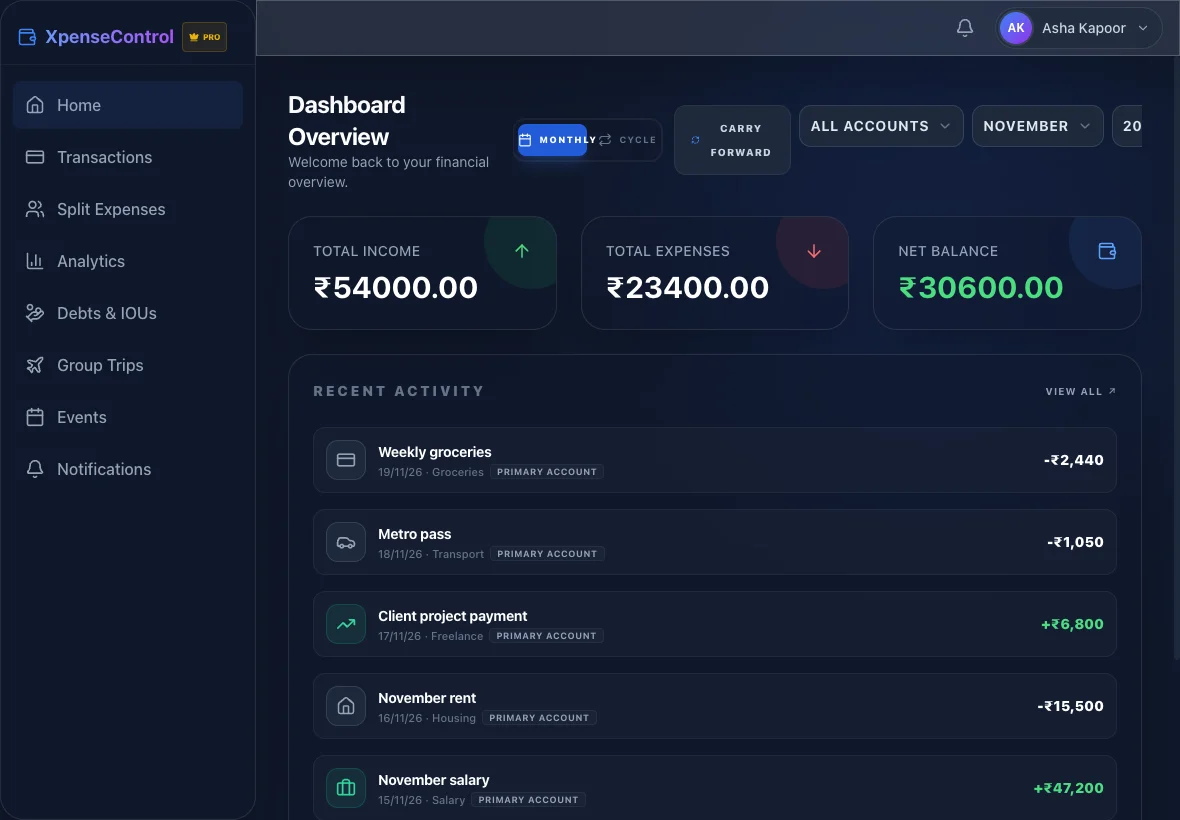
Dashboard
See your balance, period income and expenses, and recent transactions in one place.
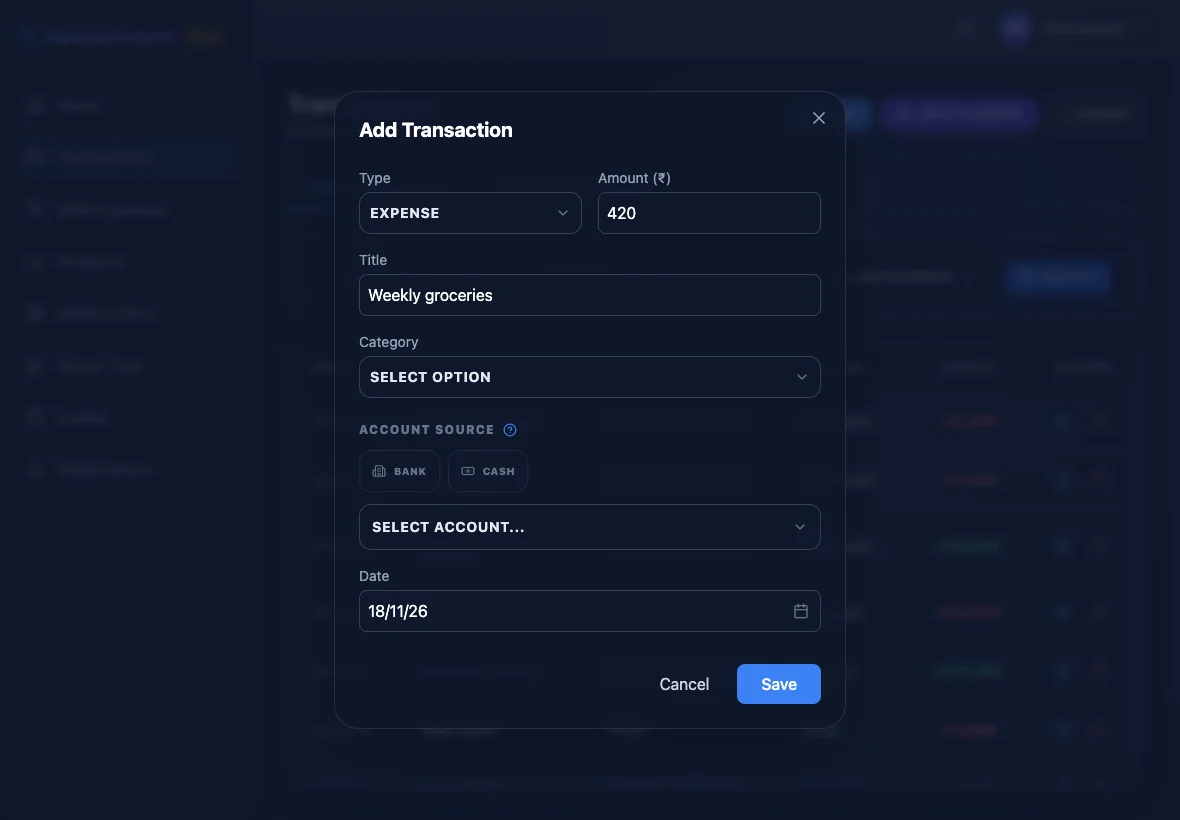
Add an expense
Record a purchase with a date, category, payment source, title, and optional notes.
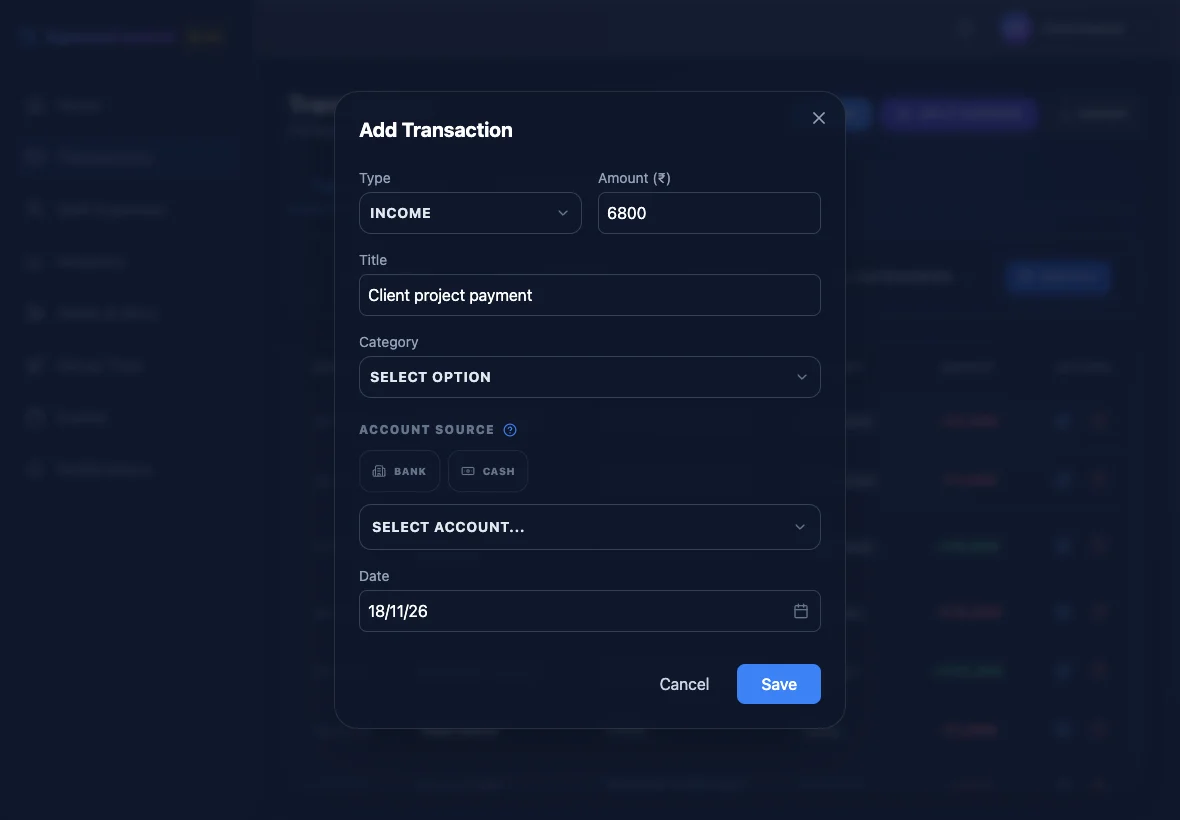
Record income
Use separate records for salary, client payments, and other deposits.
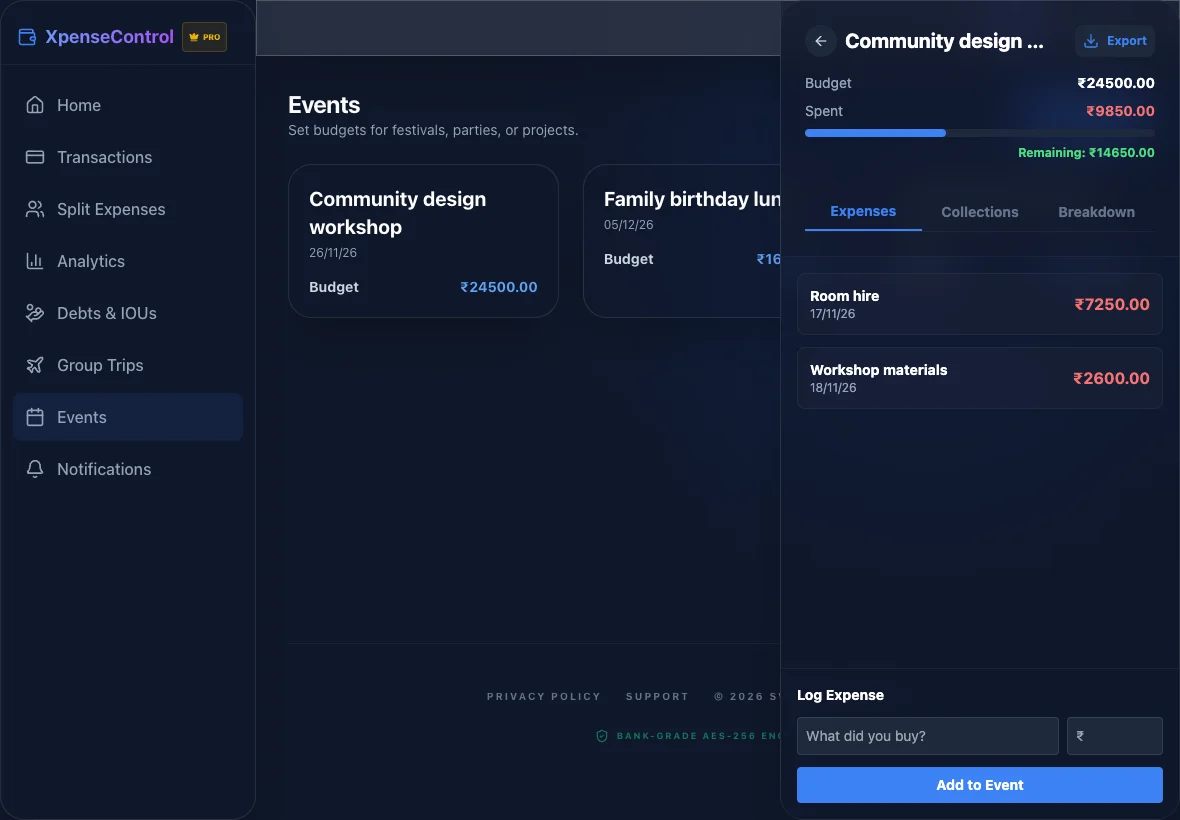
Track an event budget
Review remaining funds and recent items against an event budget or contributions.
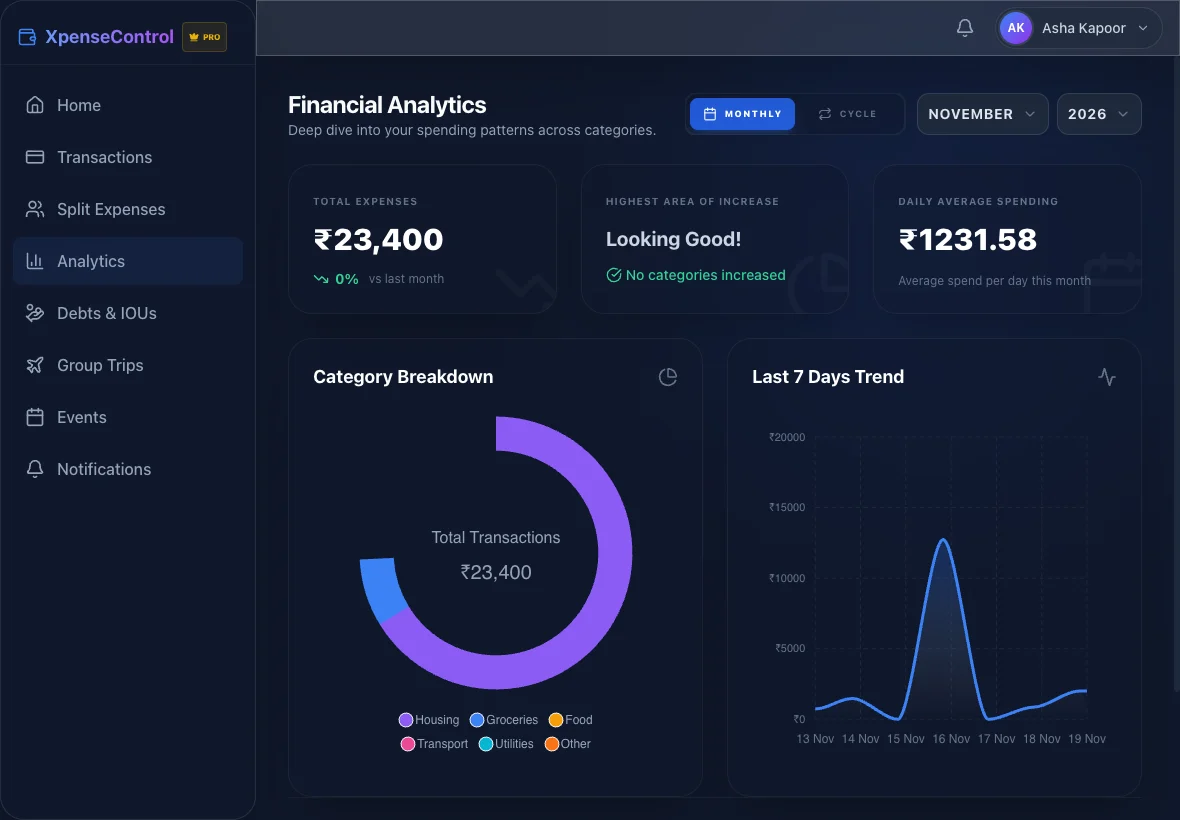
Analytics
Compare income and spending and see which categories make up the biggest shares.
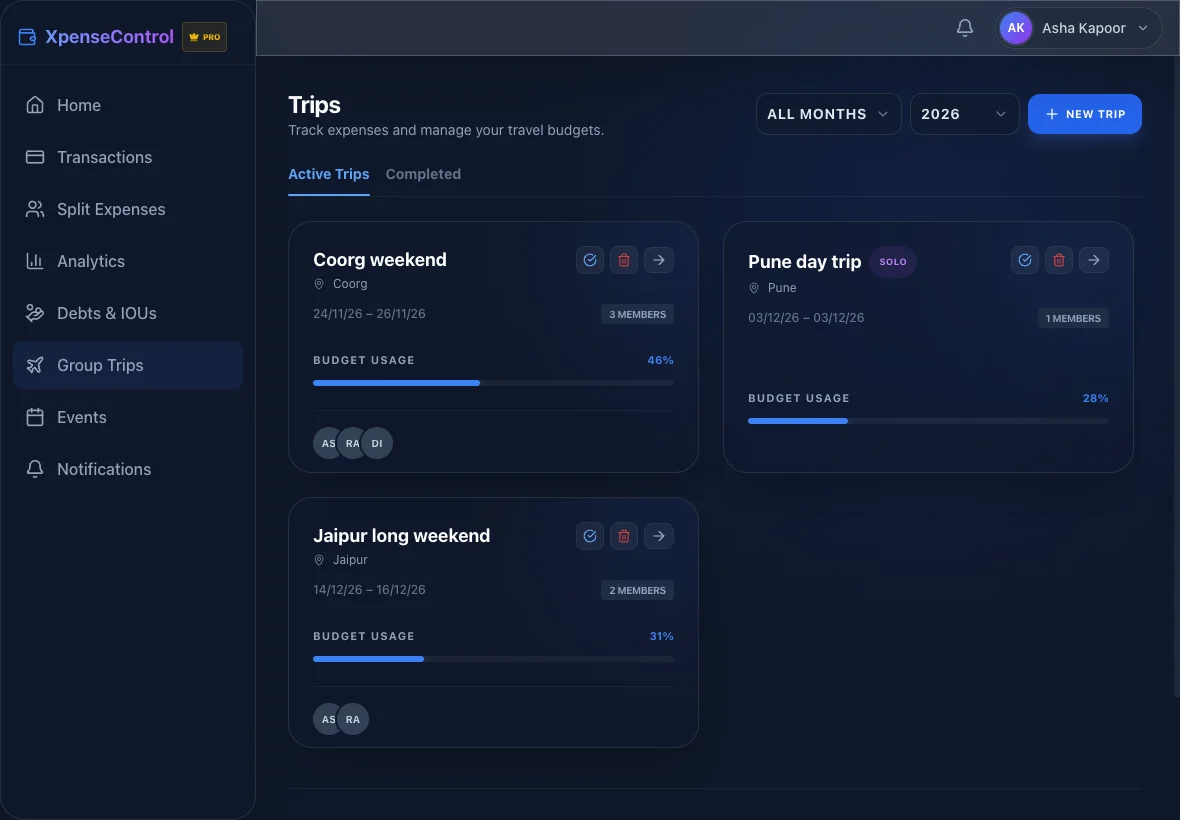
Group trips
Keep track of shared trip costs, the travellers involved, and what still needs settling.
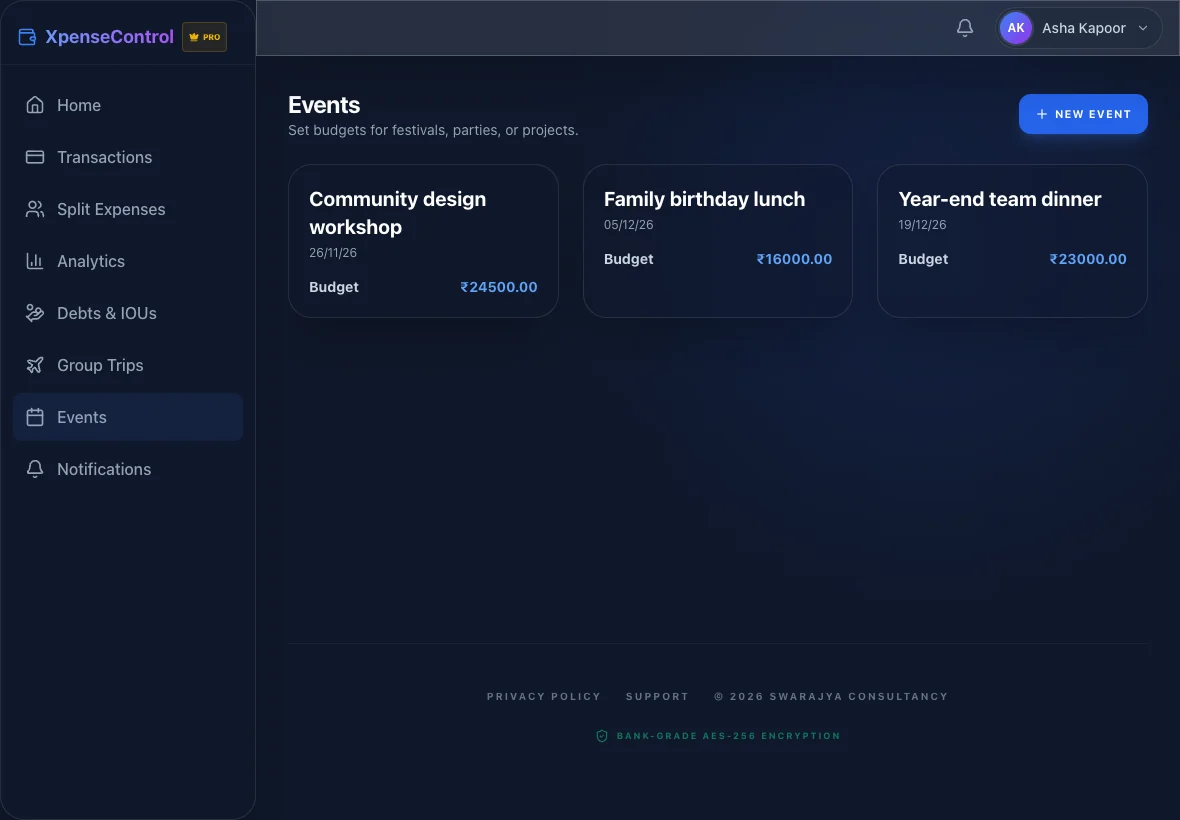
Event management
Keep wedding, birthday, or team event records in separate workspaces.
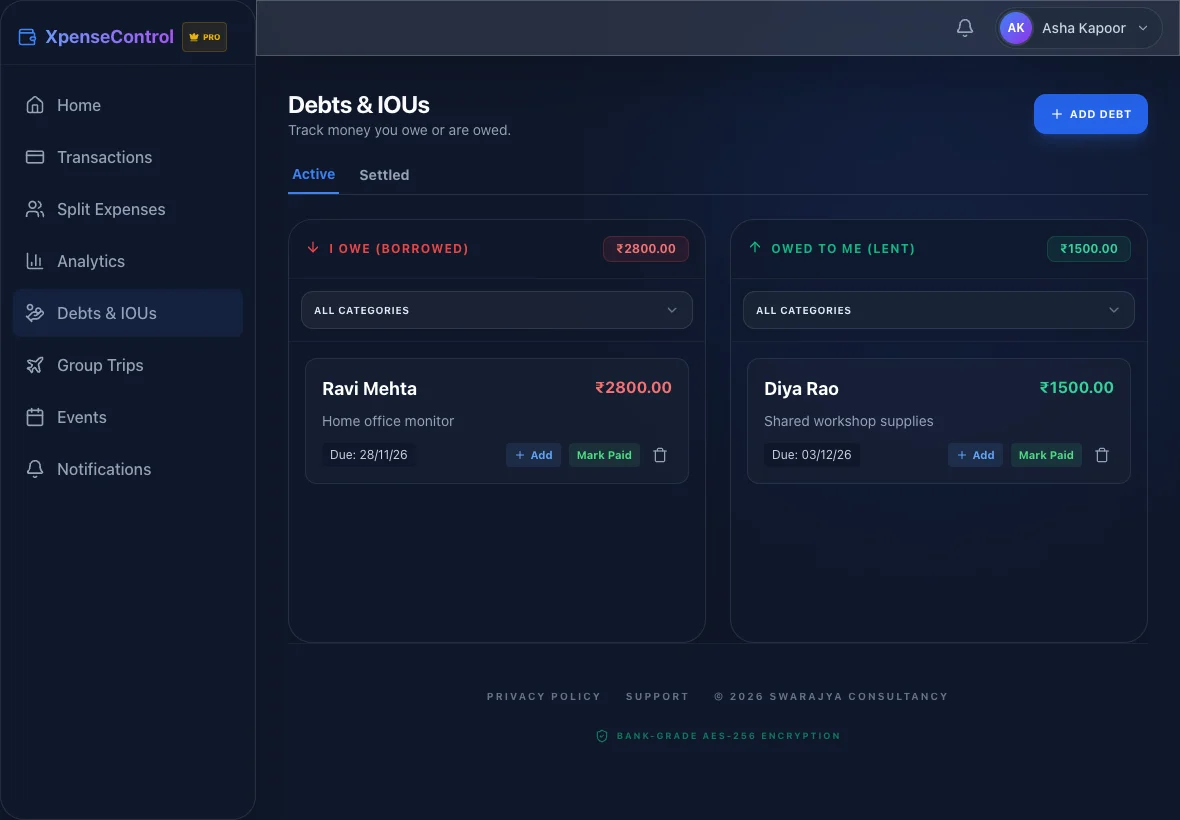
Debt management
Review debts, dates, repayments, and the amounts still outstanding.
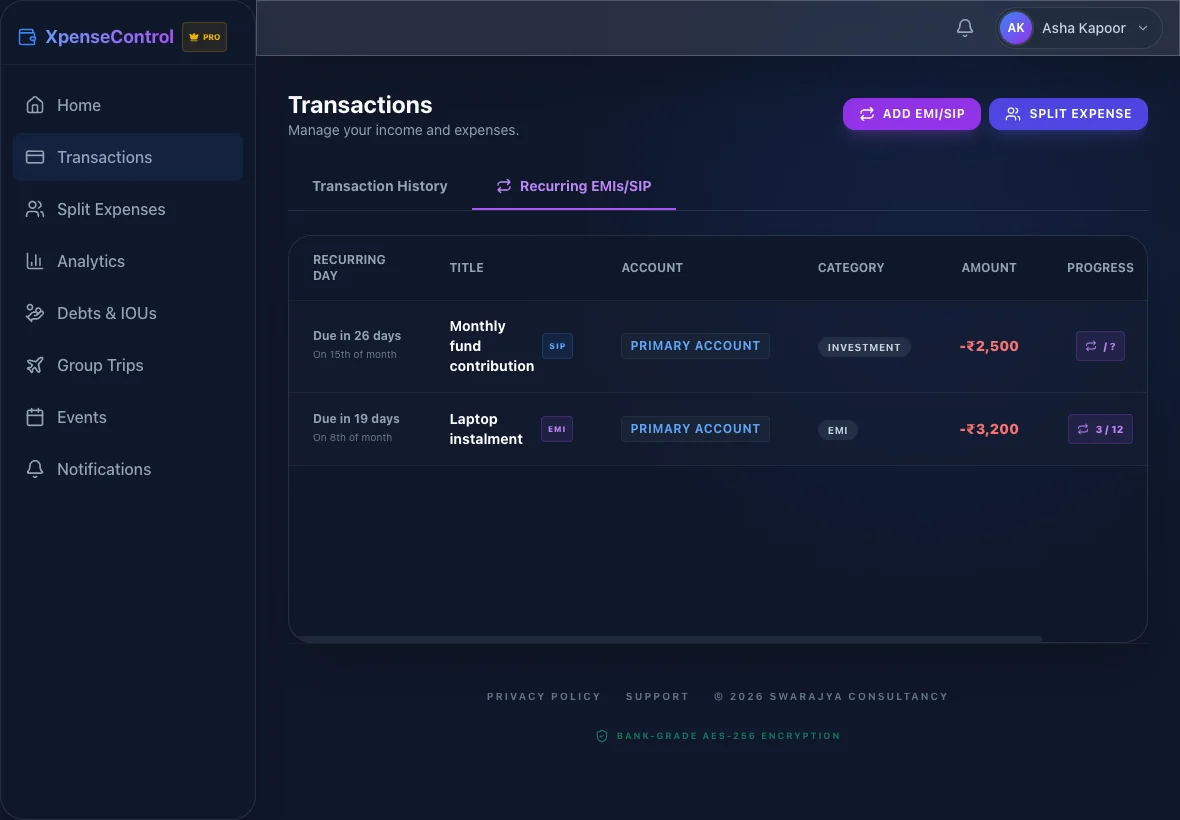
Recurring EMI and SIP
See the amounts and posting days for recurring ledger entries.
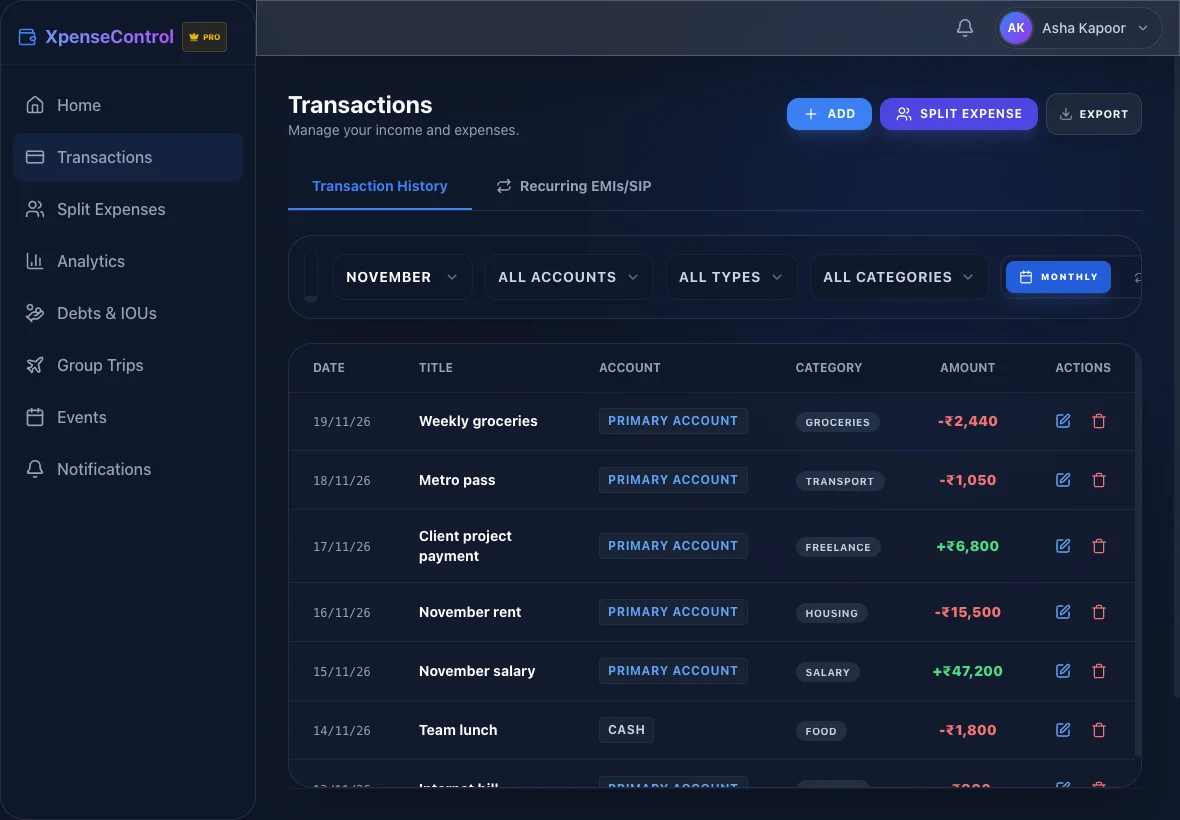
Reports and CSV exports
Review transaction history and export it as a CSV for use in a spreadsheet.
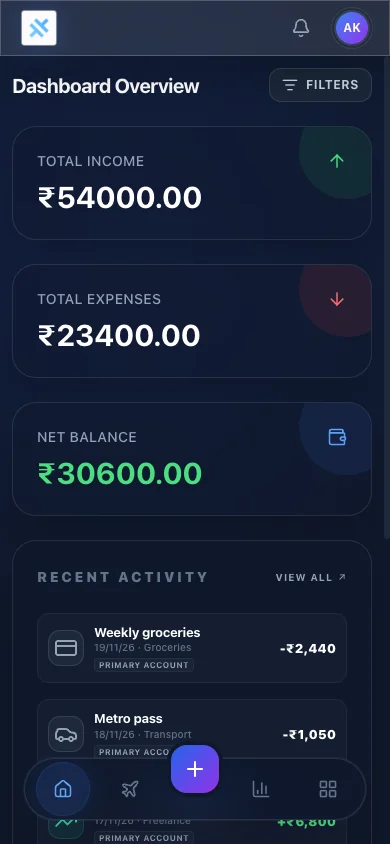
Mobile interface
View balances and navigate between records on a phone.